
iPhone Repair in Dubai: Screen and Battery Replacement at Your Door

Cracked screen? Battery gone by lunchtime? You probably don’t need a new phone. You need one good repair. We’re iFixer Dubai and we do iPhone repair in Dubai at your home or office. Our technician looks at the phone, tells you the exact price, and fixes it while you’re there. Screens and batteries usually take about 30 minutes. Every repair has a 3 month warranty. We’ve been repairing iPhones for ten years. Screens and batteries are what people call us for the most, so that’s what this page is about. iPhone Screen Repair in Dubai Screens break in boring ways. The phone slips off the sofa, falls out of a pocket, or gets squeezed in a bag all day. Sometimes the damage is obvious, like spiderweb cracks or a chipped corner. Other times it creeps in later. A black patch shows up in one corner. A green line appears. The screen flickers, or the phone starts tapping apps on its own. That last one is called ghost touch, and it’s a display fault too. Here’s the thing about screen damage: it doesn’t heal. A crack lets dust and moisture in and a small dark spot keeps spreading. Getting iPhone screen repair done early costs less than waiting until half the screen is dead. We do iPhone display repair for cracked glass, black screens, flickering, green lines, ghost touch, dim displays and display IC faults. In most cases the fix is iPhone display replacement, because a damaged panel can’t be patched up. The technician checks first and explains what’s actually wrong. iPhone Battery Replacement in Dubai Batteries wear out. Every charge uses a little of their life, and the heat here makes it quicker. A phone left on a car dashboard for an afternoon is having a rough day. You’ll know the battery is tired when the phone dies in a few hours, switches off at 20% or 30%, runs hot on the charger, or just feels slow. If that sounds like your phone, iPhone battery replacement in Dubai is the fix. A new battery gives you a full day again and the random shutdowns stop. It costs far less than a new iPhone, and the job takes about 30 minutes. One thing to take seriously. If your iPhone battery is broken or swollen, say the screen is lifting or the back looks bulged, stop charging it and don’t press on it. A damaged battery isn’t safe. Call us and get it changed. How Much Does iPhone Repair Cost in Dubai? It depends. We know that’s not a satisfying answer, but anyone who gives you a fixed price without seeing the phone is guessing. The cost of iPhone screen replacement or iPhone battery replacement Dubai changes with your model, the kind of damage and the parts used. Newer models cost more. A cracked glass is a different job from a damaged display panel. Our diagnostic inspection starts from AED 150. After the check, the technician tells you the exact price. Happy with it? We start. Not happy? You can stop, no pressure. Nothing gets added at the end. How the Doorstep Visit Works Send us a WhatsApp message or fill in the quote form. Tell us your iPhone model and what’s wrong. We agree on a time. The technician turns up at your home or office with the tools and parts, checks the phone and gives you the price. If you say yes, he does the repair right there in front of you. Most jobs are done in about 30 minutes. Your phone never leaves your sight, and you get on with your day. Why People Pick iFixer Dubai We only repair phones. We don’t sell phones or accessories, so repair is the whole business. You get the price before any work starts. Every repair has a 3 month warranty, and original parts have a 1 year warranty. If the same fault comes back in that time, call us and we’ll sort it out. iPhone Repair Near Me: Where We Work When you type iPhone repair near me, you get a list of shops you have to drive to. We do it the other way round. We come to you. That includes Downtown Dubai, Dubai Marina, Jumeirah 1, 2 and 3, Palm Jumeirah, Arabian Ranches, Damac Hills, Discovery Gardens, Emirates Hills, The Greens, The Springs, Dubai Internet City and more. Not sure we cover your area? Message us and we’ll tell you. The full list is on our service areas page. Doorstep Repair or a Phone Repair Shop? A phone repair shop near me is fine if you have time. But you have to get there, wait your turn, and sometimes leave the phone for hours or even days. With doorstep service you choose the time and keep your phone. If you work long hours, or you just don’t want to carry a cracked phone across Dubai in traffic, it saves you a lot. Choosing the Best Mobile Repair Shop in Dubai Plenty of people search for the best mobile repair shop in Dubai and then pick the cheapest one. That’s usually a mistake. Ask for the warranty in clear words. Ask for the price before work starts. Ask which parts they’ll put in your phone. If the price is very low, ask why. Cheap parts and no warranty mean you’ll pay twice. Other Repairs We Do We also fix charging ports, cameras, Face ID and buttons, water damage, speakers and mics, back glass and vibration motors. You can see all of it on our services page. If you want details on the two repairs above, go to iPhone screen repair or iPhone battery replacement. Questions People Ask Us How long does an iPhone repair take? About 30 minutes for most screens and batteries. Water damage and chip-level faults take longer, and we’ll tell you before we start. Can you fix my iPhone at home? Yes. The technician brings everything to your home or office anywhere in Dubai. What warranty
How Dubai’s Heat Affects Your iPhone Battery and Screen

Dubai’s heat can strain your iPhone battery and screen. Learn the warning signs, simple habits to protect your phone and when to get it checked.
iPhone Face ID Not Working? 7 Common Causes and Fixes
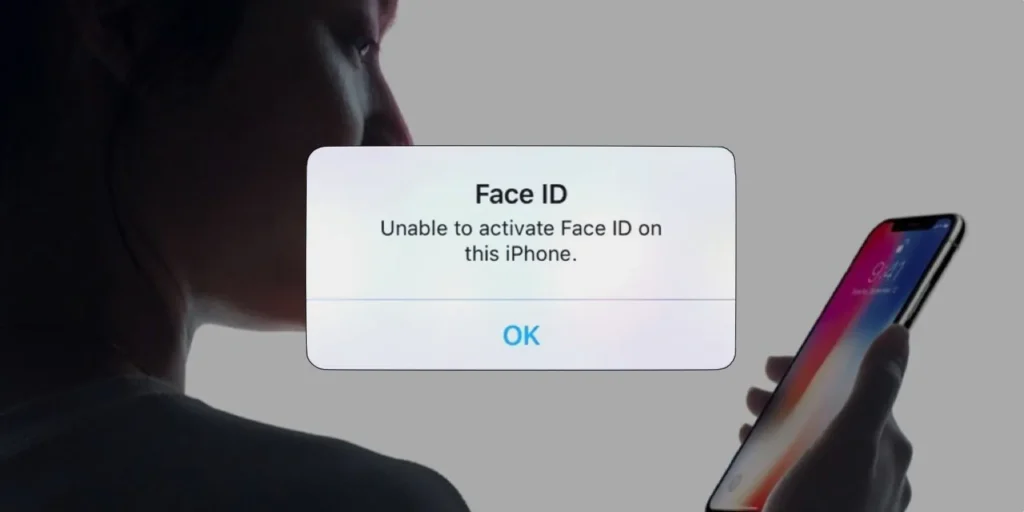
Face ID not working on your iPhone? Learn 7 common causes, quick fixes to try at home and when it needs professional repair in Dubai.
Doorstep iPhone Repair in Dubai: How It Works

See how doorstep iPhone repair in Dubai works, from booking and inspection to a same-visit fix. Learn what to expect, timing and warranty.
iPhone Not Charging? 6 Common Causes
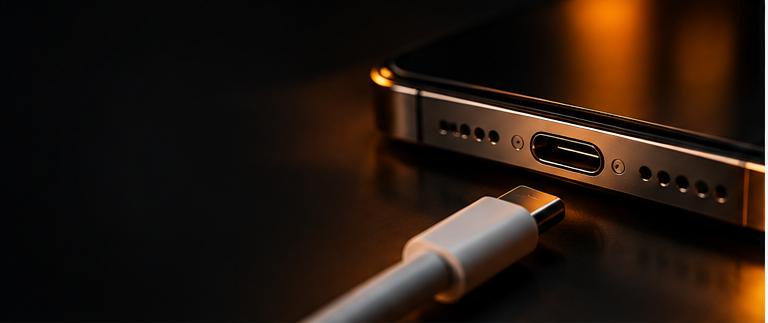
Is your iPhone refusing to charge or charging slower than usual? Discover six common reasons behind iPhone charging problems, from faulty cables and blocked charging ports to battery issues. Learn what you can safely check at home and when it’s time to seek professional repair.
What to Do If Your iPhone Gets Wet
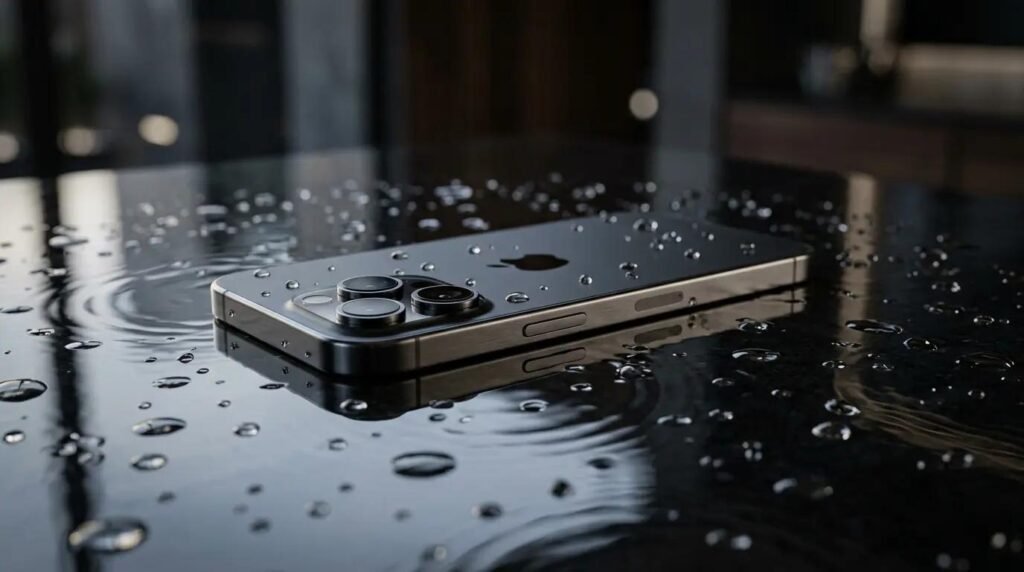
Accidental liquid exposure can cause serious problems. Find out what to do immediately, why charging a wet phone can be risky, and when to seek professional inspection. Dropping your iPhone in water, spilling a drink on it or getting caught in heavy rain can happen to anyone. What you do in the first few minutes matters more than anything else. Here is a simple step-by-step guide to give your phone the best chance. First Things to Do Right Away 1. Take It Out of the Water Immediately Every second counts. Pick the phone up as quickly as you can and keep it away from any more liquid. 2. Switch It Off Turn the phone off straight away, even if it still seems to work. Power running through a wet board can cause short circuits and permanent damage. 3. Do Not Charge It Never plug in a wet iPhone. Charging a wet phone is risky because moisture in the charging port can damage the phone and the cable. Wait until a technician has checked it. 4. Remove the Case and Accessories Take off the case, cover and any accessories. Trapped water under the case keeps the phone wet for longer. 5. Remove the SIM Tray Open the SIM tray to let the air in and to check for moisture. Wipe the tray and the SIM card gently. 6. Dry the Outside Gently Use a soft, dry cloth or tissue to wipe the outside. Hold the phone with the charging port facing down so loose water can drain out. What You Should NOT Do Many common tips make the damage worse. Avoid these: Do not put it in rice. Rice does not pull moisture out of the phone, and small grains or dust can get into the ports. Do not use a hairdryer or heater. Heat can damage the battery and internal parts, and it can push water deeper inside. Do not shake it. Shaking moves water to other parts of the board. Do not press buttons again and again. This pushes moisture further in. Do not use compressed air. It can force water into places it has not reached yet. Do not turn it on to “check” if it works. This is the most common mistake and often the most expensive. Is My iPhone Water Resistant? Many iPhones have a water resistance rating, but this does not mean they are waterproof. Water resistance can reduce over time because of: Drops and knocks Previous screen or back glass repairs Everyday wear and tear Heat and humidity Also, rating tests are done in controlled conditions with clean water. Salt water, pool water, soap, juice and tea can all cause damage even on a water-resistant phone. Why Water Damage Gets Worse Over Time Water damage is not always visible at first. Your phone may seem fine and then show problems days or weeks later. This happens because liquid left inside causes corrosion on the board and connectors. The longer it stays, the more the damage spreads. Signs that appear later include: Speaker or microphone sounding crackly or low Screen flickering, lines or dark spots Battery draining quickly Phone not charging or charging slowly Camera lens fogging or blurry photos Touch not responding properly Phone restarting or switching off by itself When to Get Professional Help You should book an inspection if: The phone was in water for more than a few seconds It fell in salt water, juice, tea, coffee or any other liquid It does not turn on The screen, camera, speaker or charging has problems You can see moisture or fog inside the camera or screen Do not wait for the phone to dry on its own. Early inspection can often save the phone and the data on it. How We Fix Water Damage A proper water damage repair involves more than drying the phone. The technician will: Open the phone carefully and check for liquid and corrosion Disconnect the battery to stop further damage Clean the board and connectors Replace damaged parts if needed Test the screen, camera, speakers, charging and other functions Some faults, such as a damaged board, may need chip-level repair, which can take longer than a normal repair. Doorstep Water Damage Repair in Dubai With iFixer Dubai you do not have to go anywhere with a wet phone. A technician comes to your home or office anywhere in Dubai. Clear price first: Inspection starts from AED 150, and we confirm the exact repair price before any work begins. Fast service: Most common repairs are done in about 30 minutes. Complex water damage can take longer, and we tell you the time before we start. Warranty: Every repair has a 3 month warranty, and original parts have a 1 year warranty. Doorstep service: We bring the tools and parts to you. Frequently Asked Questions Should I put my wet iPhone in rice? No. Rice does not dry the inside of the phone and can leave dust in the ports. Switch the phone off and get it inspected instead. How long should I wait before turning it on? Do not turn it on until it has been checked. Even if the outside feels dry, liquid can remain inside. Can a water-damaged iPhone be fixed? In many cases, yes, especially if you act quickly. The result depends on how long the phone was wet, the type of liquid and which parts are affected. Will I lose my data? Data is not lost just because the phone got wet, but a damaged board can make it hard to access. A fast inspection gives the best chance of saving your data. Is my phone covered by warranty if it gets wet? Liquid damage is usually not covered by the standard manufacturer warranty. Check with the seller or the manufacturer for your phone’s exact terms. Final Thoughts If your iPhone gets wet, stay calm and act fast: switch it off, do not charge it, dry the outside gently and avoid home tricks
How to Improve Your iPhone Battery Life
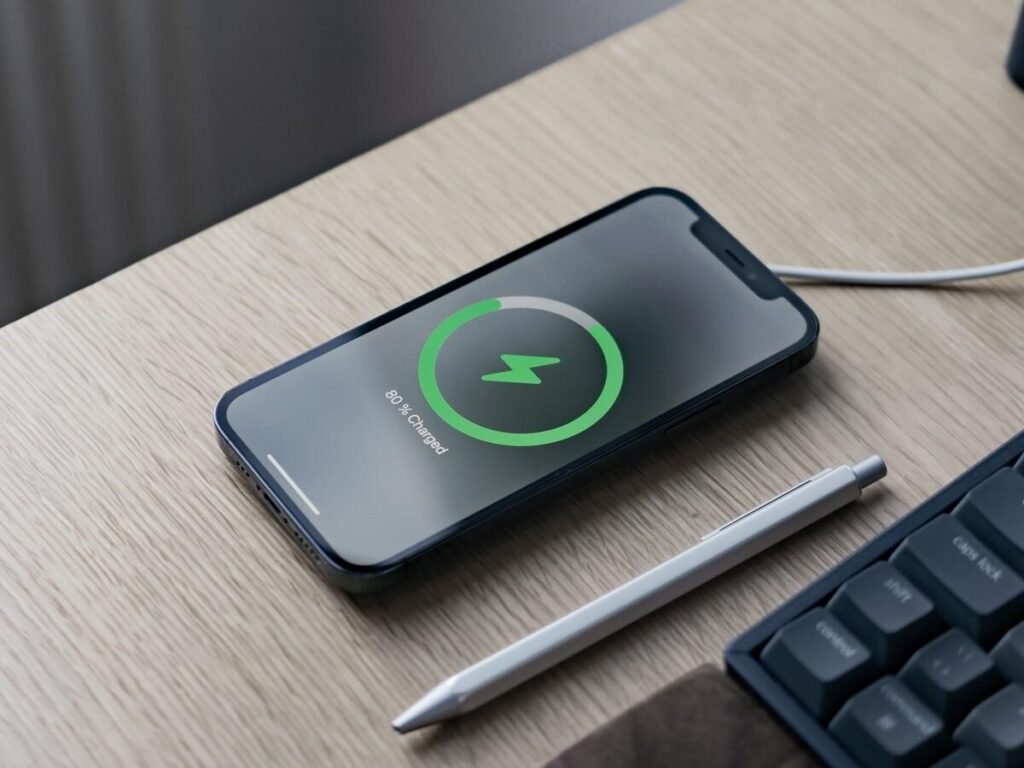
Is your iPhone battery running out faster than expected? Discover practical ways to improve battery life, manage background activity and identify when your battery may need professional attention.